Ask any aspirant in Lucknow, Prayagraj or Kanpur how they found their study library, and the answer is almost never "online." It was a friend's WhatsApp message, a poster near the chowk, or an afternoon of walking street to street, climbing stairs, and asking "seat khaali hai?" The good libraries were out there the whole time — you just couldn't see them. Today you can. Brightgoal now has a live map of study libraries near you.
The problem: great libraries that nobody can find
A study library is a hyper-local business. A student doesn't want the best library in the state — they want a clean, quiet seat within a reasonable distance of home, in their budget, that's open when they study. That information is simple. It is also, until now, almost impossible to look up.
Owners feel the other half of the same problem. You can run the calmest, best-kept reading hall in your colony, and a student two lanes away has no way to know you exist. You are not on Google. You don't have a website. Your only marketing is word of mouth and a board outside — which works right up until the day the seats you'd happily fill sit empty because the people who'd take them never heard your name.
Both sides are stuck on the same missing thing: a single place where libraries are discoverable. So we built it.
Introducing Find a Library
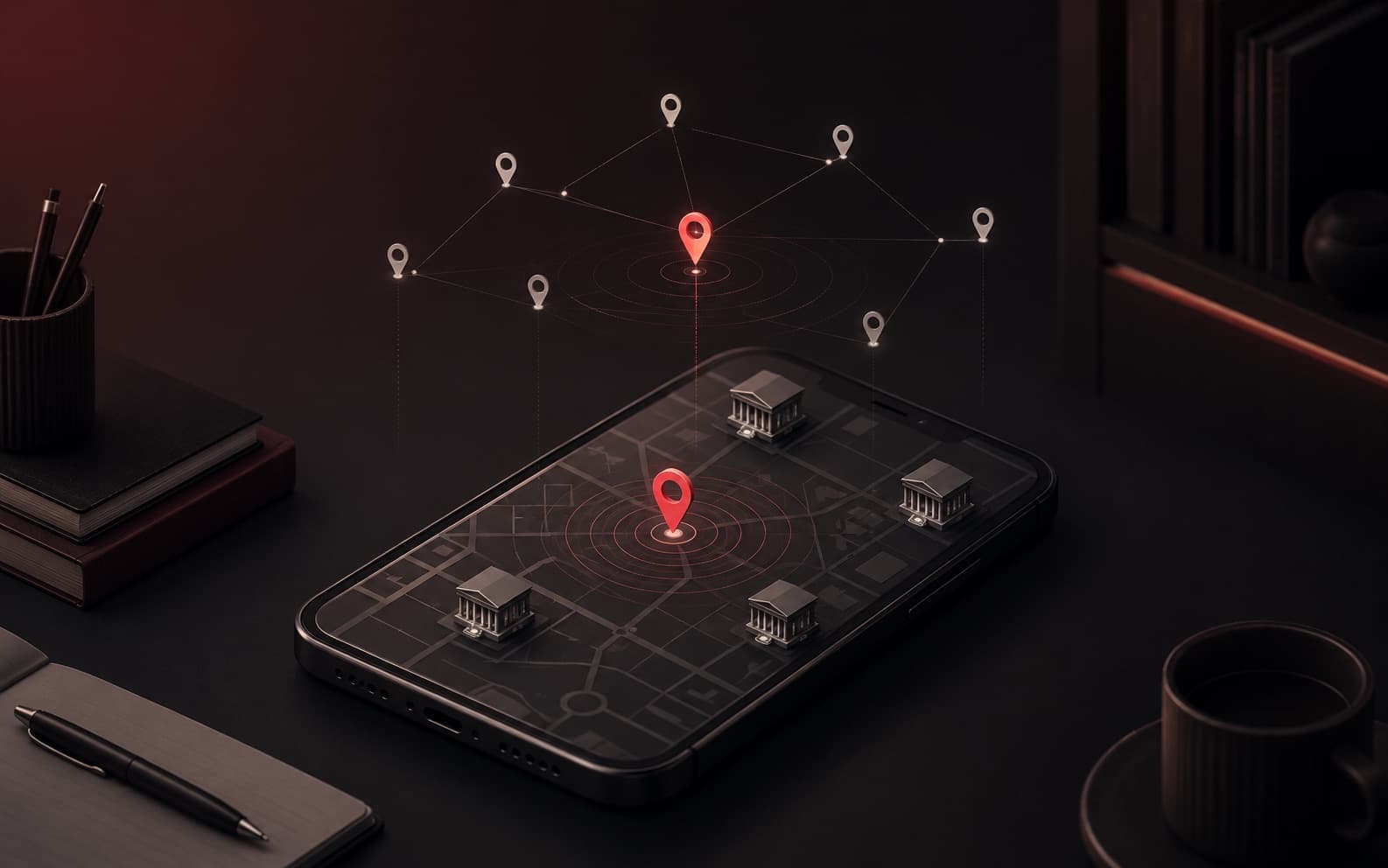
Find a Library is a live, Google-Maps-style map of study libraries — built into Brightgoal and open to everyone. No account, no app download, nothing to pay; you'll find it at https://www.brightgoal.in/map. Open it, and you see the libraries around you as pins on a map, with a scrollable list beside it. It works the same on a laptop and on the phone you actually search from.
The map is two-sided by design. For students it answers "where do I study today?" For owners it answers "how do the right students find me?" Let's walk through both.
How do I find a study library near me?
The whole flow is built to get you from "I need a seat" to "I'm walking there" in under a minute.
- 1
Open the map
Allow location and it centers on you — or type any area, locality or pincode into the search bar to look somewhere else (near your coaching, your new PG, your hometown).
- 2
Filter to fit your life
Set the radius, switch on Open now or 24×7, tick the amenities you care about, and cap your monthly budget. The list updates instantly.
- 3
Scan the cards
Every library shows its distance, today's hours, its amenity icons and a starting price — enough to shortlist without opening anything.
- 4
Open one and decide
Photos, live seats-free, full slot pricing, address — then tap Directions and go.
Searching from where you actually are
When you open the map, your browser asks once to use your location. Allow it, and the map centers on you and measures every distance from where you're standing — so "1.4 km away" means 1.4 km from you, not from some city center. Prefer to look elsewhere? Type a place into the search bar (it uses Google Places, so "L.B.S College Gonda" or a pincode both work), or just tap a spot on the map. A red pin marks wherever you're searching from, and all the distances re-measure to that point.
Narrowing the list
A seat is only the right seat if it fits your day. The filters do exactly that:
- Radius. Slide from 1 km up to 100 km. Most aspirants pull it tight — there's no point in a library you can't walk or cycle to every morning.
- Open now & 24·7. Studying late for an exam? Filter to libraries open right now, or only the round-the-clock ones.
- Amenities. AC, Wi-Fi, lockers, cafeteria, parking, a dedicated women's section, a printer — pick what's non-negotiable for you.
- Monthly price. Set the ceiling and the over-budget libraries drop away. No surprises when you walk in.
Reading a card at a glance
Each result is a compact card: the library's logo, its name and locality, the distance from you, today's hours (or a green dot for "open now"), the amenity icons, and a price that reads "from ₹X / month" — or an hourly rate for libraries that let you book by the hour, or simply "Pricing on request." It's the at-a-glance summary a student actually decides on.
Opening a library
Tap a card and the full picture slides in:
- Photos. Up to six — a cover shot plus the reading hall, the desks, the lockers. You see the room before you visit it.
- Live availability. Today's hours and, crucially, how many seats are free right now — computed live, not typed in by hand.
- Plans & pricing. Every slot the library offers, its timing and monthly fee, any running offers, and — per slot — how many seats are open in that window. A seat free in the morning slot can be taken in the evening one, so each is counted on its own.
- Visit & directions. The full address, plus a Directions button that opens Google Maps routing from wherever you searched — straight to the door.
Two more touches that matter: Save keeps a library on a personal shortlist (stored on your device, so no account needed), and Share copies a clean link that unfurls with the library's name and cover photo when you send it on WhatsApp — so "check out this one" actually shows the place instead of a bare URL.
Your location is used only to center the map and measure distances in your browser — we don't store it. Saved libraries live in your browser too, not on any server. Browsing the map never asks you to sign in.
How do I get my study library on the map?
If you already run your library on Brightgoal, you're a single toggle away from being listed. If you don't yet, this is one more reason to start.
- 1
Open Settings → Public Listing
Flip one switch and your library appears on the Brightgoal map for students browsing nearby. Flip it off and you're hidden again — you're always in control.
- 2
Set your hours and days
Opening and closing time, which days you operate, or mark the whole thing 24·7. This is what drives the "open now" badge students filter on.
- 3
List amenities and open-slot rates
Tick the facilities you offer, and — if you let students book by the hour — set your starting seat-per-hour and locker-per-day rates. These show up on your listing.
- 4
Add up to six photos
A good cover and a few honest shots of the space do more to win a visit than any description. Drag to reorder; the first is the cover.
Everything a student sees on your card and detail page — your hours, your slot prices, the live seat counts, your amenities — is pulled straight from the library you already manage in Brightgoal. There's no separate profile to maintain. Keep running your library the way you do, and the listing stays correct on its own.
- Found when students search 'library near me'
- Photos, hours & live seats up front
- A shareable link with a rich preview
- Directions straight to your door
- Invisible to anyone who doesn't already know you
- Students guessing at hours and price
- A forwarded address with no context
- 'It's near the chowk — ask someone'
Why being findable changes the math
Here's the quiet truth about empty seats: most of them aren't empty because there's no demand. They're empty because the student who would have taken them never found you. In a business with high fixed costs and thin margins, a discovery problem is a revenue problem.
"Study library near me" is how this generation looks for a seat. Being on a map that answers that question is no longer a nice-to-have — it's table stakes. The library that shows up, with photos and live availability and a tap-to-navigate address, wins the walk-in that the invisible library two lanes over never even knew it lost.
And it compounds with everything else Brightgoal already does for you. The same slots and prices that power your map listing are the ones running your seats, billing and renewals inside the dashboard. Discovery on the outside, operations on the inside — one system.
The pricing model behind those 'from ₹X / month' figures on your map listing.
Frequently asked questions
Do I need an account to use the map?
Is it really free?
How does it know how many seats are free?
Which areas are covered?
Can I share a library with a friend?
I'm an owner — how do I appear?
Find a seat, or get found
For students, the nearest good library is finally something you can search for instead of stumble onto. For owners, the students who'd fill your seats can finally find you before they settle somewhere else. The whole map lives at https://www.brightgoal.in/map — bookmark it and share it.
The nearest good library is now one search away.
Open the map to find a seat today — or list your library so the next aspirant finds you, not the empty chair.